Journal/Guest Photos
Where to Put QR Codes at a Wedding
Placing a QR code on guest dinner tables and at the bar collects far more photos than a single welcome sign at the entrance. Pair printed cards with an announcement from the MC during dinner to get the best scan rates.
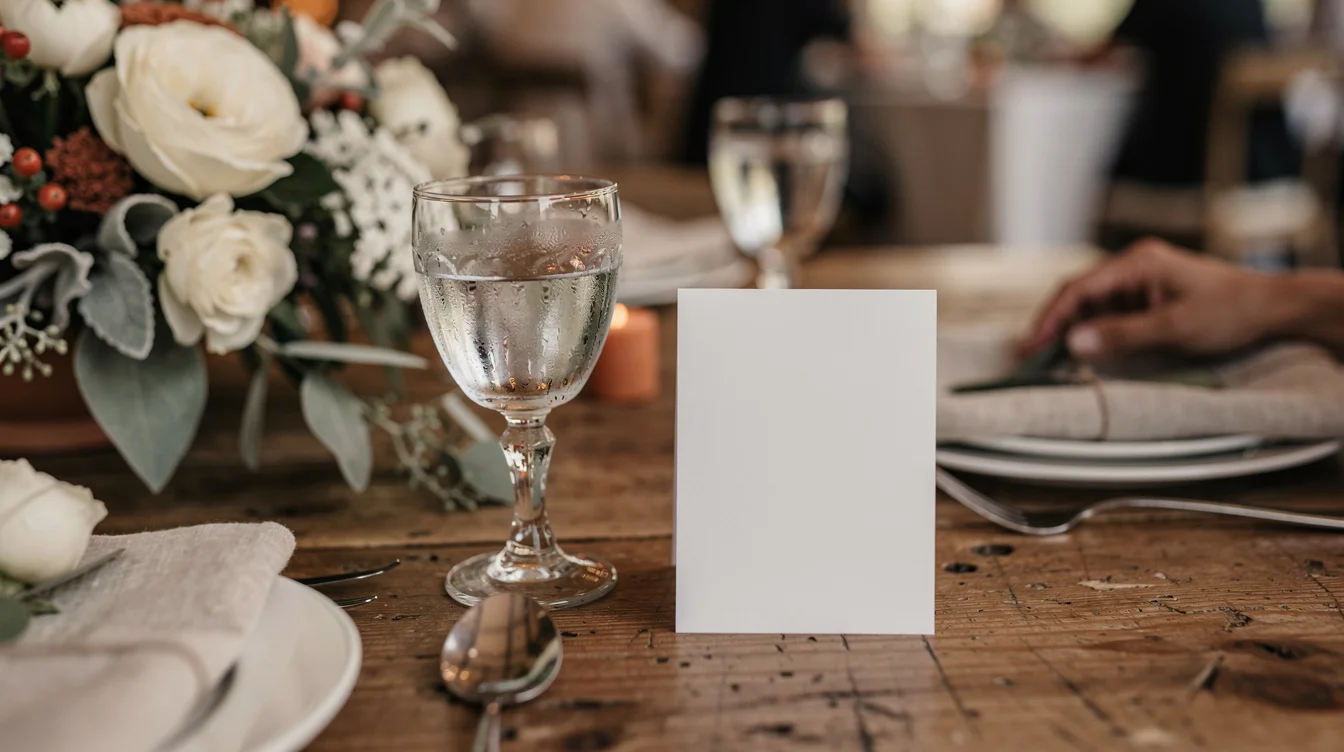
Put the QR code on the tables and at the bar, not at the entrance or on the gift table. Guests scan it when they are sitting or standing with nothing else to do with their hands, not when they are walking in with a coat and a gift to put down.
Table cards and the bar outperform a single welcome sign, because they reach guests during the exact minutes they are already stuck in place. A code at the bar gives people something to do while they wait for a drink. A code on the dinner table gets scanned between courses. From the other direction, events that only ask guests to scan once at the door collect a fraction of the photos collected by events where the couple, the MC or the table cards prompt guests at more than one moment during the day.
Why the entrance and welcome sign don’t work
Some wedding guides suggest putting the code on the welcome sign because it’s the first thing guests see, or placing a sign on the way out after the ceremony. In practice, that placement gets ignored. Guests arriving at a venue have their hands full and their attention on finding a seat. They notice the sign, mean to come back to it, and don’t, because people walk past a sign at the entrance or gift table with their hands full and rarely return to it.
This lines up with how optional QR codes behave generally. Environmental signage, the kind you glance at without a reason to stop, tends to produce only low to mid single-digit scan rates. A welcome sign is exactly that kind of signage. A table card at dinner is different, because the guest is sitting there throughout dinner with nowhere else to look.
Where to actually put it
Put a small card on every dinner table and a sign at the bar. Wedding Studio recommends a printed card on each guest table for the same reason. Those are the two spots where guests are stationary long enough to pull out a phone. One small sign per table beats one large sign near the entrance, because it puts the code in front of someone at the exact moment they have downtime rather than asking them to remember it later.
Say it out loud, more than once
A sign alone reaches the guests who were already planning to share photos. Weddings where the MC, the DJ or the best man mentions the QR code once during dinner see clearly higher participation than weddings that rely on signage alone. It costs nothing and takes ten seconds during a toast or a transition between courses.
The couples who get the most photos also ask more than once: on the invitation or wedding website beforehand, out loud during the reception, and in a message to guests the day after the wedding. Asking once, after the fact, in a group chat, catches guests once the moment has passed and half of them have already forgotten.
Test the code before the day
Set the code up more than a week out and test it on someone else’s phone, not just your own. Printing the code too small to scan from across the table, and setting it up so late there’s no time to catch a broken link, are two mistakes worth avoiding. If the code doesn’t open straight in the phone’s camera or browser, without asking guests to download an app or create an account, a large share of people stop right there. Older guests give up immediately, younger guests just can’t be bothered.
Wifi and signal at the venue
If the venue is rural, check the mobile signal before you rely on a QR code as the only way to share photos. Poor signal is a real problem at these venues. Ask the venue about guest wifi and print the password next to the QR code on the table card and the bar sign.
What guests actually upload, and when
Uploads arrive in bursts, not steadily through the day. The largest burst happens during the reception, once guests are seated and have had a drink. Almost nobody uploads during the ceremony itself. A second, smaller wave comes the morning after, when guests go through their phones at breakfast or on the drive home. After about a week, uploads stop unless the couple sends a reminder.
Worth knowing before you get your hopes up: the volume of photos in a wedding album is driven primarily by a small number of enthusiastic guests, not by how many guests participate. Placement and reminders raise how many people bother to scan at all, but they won’t turn every guest into a photographer.
The photos worth chasing aren’t the posed ones anyway. The ones couples end up valuing are the shots the photographer never saw: getting ready with the other half of the wedding party, the dinner tables mid-conversation, the dance floor at midnight after the photographer has gone home.
Questions couples ask
Why shouldn't you put a QR code on the wedding welcome sign?
Guests arriving at a venue have their hands full and their focus is on finding a seat. Signs placed at the entrance act as passive environmental signage, which produces low scan rates because guests walk past and rarely return.
When do wedding guests upload the most photos?
The largest burst of uploads happens during the reception once guests are seated and have had a drink. A second, smaller wave occurs the morning after during breakfast or travel home.
How can you get more guests to scan a wedding QR code?
Place small cards on every dinner table and at the bar where guests have downtime, and have the MC or DJ announce the code during dinner. Make sure the link opens directly in a mobile browser without requiring an app download or account creation.