Journal/Guest Photos
How to Get Wedding Guests to Share Photos
Getting wedding guests to upload their pictures requires asking at the right moments rather than relying on a single sign. Prompting people before the day, out loud during the reception, and the following morning captures photos while guests are still thinking about them.
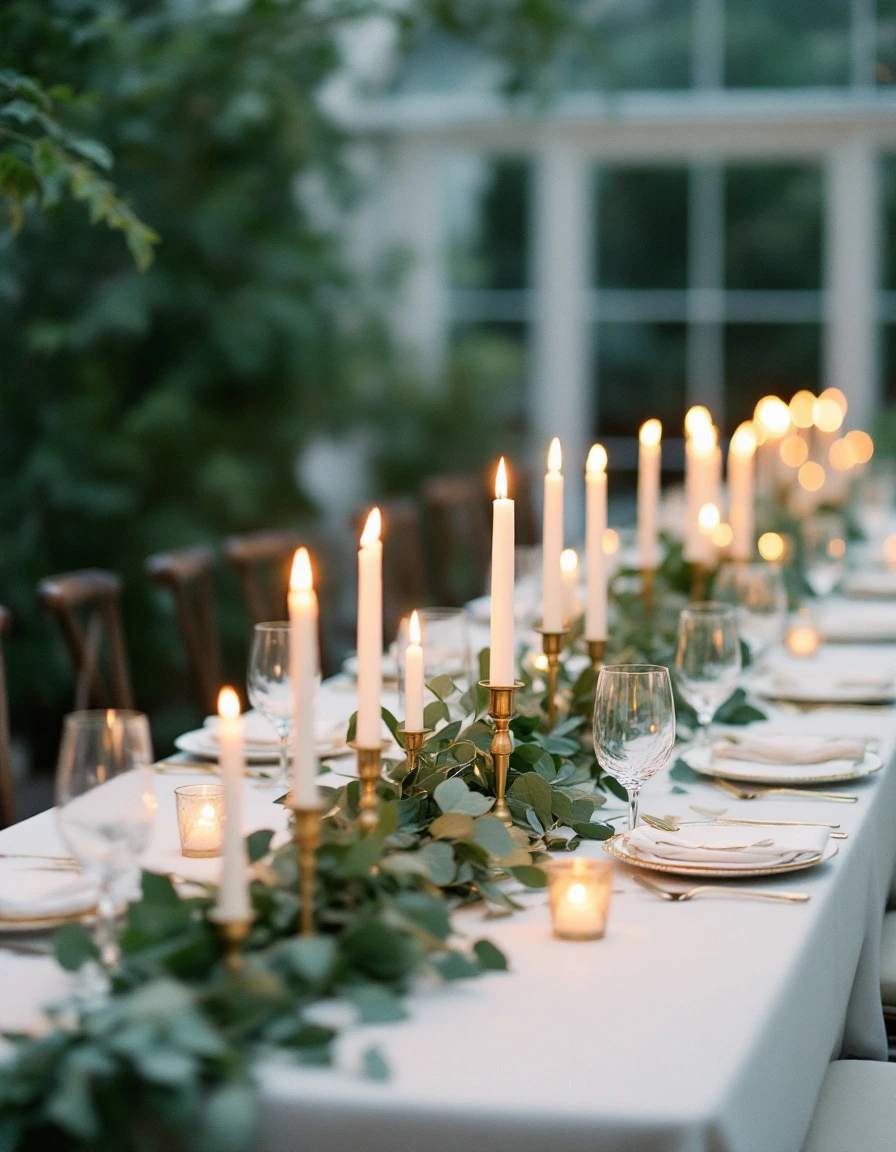
The ask fails when it only happens after the wedding, in a text or group chat, once the moment has passed and half the guests have already forgotten. Build three separate asks into the day itself instead: before the wedding in writing, out loud during the reception, and again the next morning while people are still going through their phones at breakfast. Weddings that ask more than once, at each of those points, see higher participation than weddings that only rely on a single sign.
Why the after-the-fact ask doesn’t work
Uploads come in bursts, not on a steady drip. The biggest one lands during the reception, once people are seated and have had a drink. Almost nobody uploads during the ceremony itself. There’s a second, smaller wave the next morning, when people are scrolling through their phones at breakfast or on the drive home. After about a week, it goes quiet unless the couple sends a reminder.
If the only ask is a group text sent after the wedding, both of those windows have already closed. Some planning guides suggest adding a thank-you text or email a few days after the wedding, with a reminder and the upload link included, as one piece of the plan. That catches the guests who were already planning to send photos along. It does nothing for the reception crowd, who scattered days ago, or for the morning-after scrollers, who’ve long since moved on.
Ask number one: before the wedding, in writing
Put the photo-sharing link on the wedding website and, if you’re doing a printed invitation suite, add a small insert with the same link. The Knot suggests putting it in the wedding program instead, or on signage or TV screens. The point is that guests arrive already knowing photos are expected of them, instead of hearing about it for the first time when they’re three drinks in.
This step alone won’t move participation much. A pre-wedding mention gets read once, before the wedding, by people focused on RSVPs and gift registries, not photo-sharing. It sets an expectation. It doesn’t create a habit.
Ask number two: during the reception, out loud and within reach
Weddings where the MC, DJ or best man mentions the QR code once during dinner see clearly higher participation than weddings that rely on a sign alone. A sign gets noticed by the guests who were going to share anyway; someone saying it out loud reaches everyone else. The suggested moment is during dinner or right before the dancing starts.
Put the code on each dinner table and at the bar, or anywhere people are standing around waiting. One small sign per table works better than one large, beautifully designed sign. What doesn’t work: the entrance, the gift table, the welcome sign. Guests walk past those with their hands full and don’t come back to check the code. That runs against advice to put the QR code on the welcome table for maximum visibility. At the entrance, timing is the problem: guests are walking past rather than stopping.
Ask number three: the next morning, before it goes quiet
Send the reminder the next day, not a week later. That’s when the second wave happens on its own, at breakfast or on the way home, so a nudge at that point catches people already looking through their photos instead of starting from a cold ask. Wait a week and you’re asking people to open an app they’ve forgotten exists, for photos some may have already deleted to free up storage.
What stops guests from uploading at all
Anything that asks a guest to install an app or create an account loses people fast. Older guests give up right away, and younger guests can’t be bothered. If the link doesn’t open directly in the phone’s browser from the camera, a large share of people stop there and never come back to it.
At rural venues, signal is a real problem. Ask the venue about guest wifi ahead of time and print the password next to the QR code, not buried in a text guests have to go find.
The other failure point is entirely avoidable and still happens: couples set the whole thing up the week of the wedding and never test the code on someone else’s phone. Print the code too small and it works fine on the couple’s own phone at home and fails on a dance floor with bad lighting. Test it on a phone that isn’t yours, at the size you’re actually printing it.
What you get if it works
The guest photos couples care about most are the ones the photographer missed: getting ready with the other half of the wedding party, the state of the dinner tables halfway through the meal, the dance floor after the photographer has already packed up and gone.
Questions couples ask
When is the best time to ask guests for wedding photos?
Build three separate asks into the timeline: in writing before the event, out loud during dinner or before dancing, and as a reminder the next morning while people are browsing their phones.
Where should photo-sharing QR codes be placed at a wedding?
Put the code on each dinner table and at the bar where guests stand and wait. Avoid placing them at the entrance or welcome table, where people walk past with full hands and rarely stop.
What prevents wedding guests from uploading their photos?
Requiring guests to download an app or create an account causes immediate drop-off, as does poor venue signal without accessible wifi. Codes that are printed too small to scan in dim reception lighting also stop guests from uploading.