Journal/Guest Photos
The Best Way to Collect Wedding Photos from Guests
Collecting wedding photos successfully depends on eliminating friction like app downloads and account signups. Simple browser-based QR codes placed on dinner tables yield the highest participation from guests across all generations.
The best way to collect wedding photos from guests is whatever opens directly in their phone’s camera app or browser, asks for nothing, and takes under 30 seconds. Anything that asks a guest to install an app or create an account loses a large share of people right there, older guests give up immediately and younger guests can’t be bothered.
What actually happens when guests upload
Data from Chivent, the photo-sharing platform we run, and support conversations with couples, show uploads arrive in bursts rather than steadily. The biggest burst happens during the reception once people are seated and have had a drink; almost nobody uploads during the ceremony itself. A second, smaller wave comes the morning after, when people go through their phones at breakfast or on the way home. After about a week it goes quiet unless the couple sends a reminder.
That timing tells you two things: the tool has to work on a phone at a dinner table with a drink in one hand, and you need a plan for the following week.
WhatsApp needs no explanation to almost any guest, which is its real advantage. Start a group, ask people to drop photos in, done. The problems show up later: images get compressed on send, the group turns into a running commentary thread that photos scroll past within minutes, and pulling every picture back out into one folder means scrolling through the whole conversation by hand. It works fine when you’re comfortable doing that afterward.
Google Photos
A shared Google Photos album is free and familiar to a lot of guests, but every contributor needs a Google account, and uploads count against their individual Google storage. That second part is the real problem: a guest whose storage is already full cannot add to the album no matter how much they want to contribute, and you won’t find out until you notice you have fewer photos than expected.
iCloud shared albums
iCloud shared albums work well only when the wedding party is close to all-iPhone. Anyone without an Apple ID is locked out from contributing, and Android guests can usually view an album but not add to it. On a mixed-device guest list, this narrows your pool of contributors before anyone even opens their camera.
Dedicated apps and QR-based tools
This is where the app-versus-browser question actually plays out, and the tools split cleanly into two camps. Some work entirely through a QR code and a browser, nothing to install. Guestpix lets guests share photos, video and guestbook messages by scanning a code, with no app download or registration required. WedUploader offers free, unlimited albums that don’t expire and need no app download, though it routes uploads into the couple’s own Google Drive, so those uploads count against that Drive’s storage. GuestCam, starting at $49, works from a QR code or private link with no app, account or password, and keeps the upload window open for up to 12 months with up to 14 months of storage. Dropbox file request links also let guests upload without an account or app, though the free tier caps out at 2GB, which video from a single reception can use up fast.
Other tools go the opposite direction. Celebrate requires guests to download an app before they can upload, in exchange for real-time notifications when new photos land. Wedbox is app-first with a browser fallback, but defaults to two months of storage after the wedding and charges from $19.99 to unlock original-quality downloads. Both trade guest convenience for features that benefit the couple, which is the wrong trade if the goal is getting your least tech-comfortable relative to actually contribute.
Price and limits vary more than people expect once you’re inside the “no app” category. Kululu is app-free by QR code, with plans from $39 to $99 and a free tier, though the Plus plan restricts you to 500 uploads and a one-month window. Fotify’s $29.99 plan skips video support entirely, and its Premium plan still caps clips at 30 seconds or 80MB. Lense charges $34.99 for 100 guests but limits each guest to 25 photo captures and doesn’t support video at all. Wedibox brands itself as a digital guest book with no app required. Read the fine print on upload caps and storage windows before you pick one.
What to skip
Public Instagram hashtags look tempting because everyone already has the app, but posts are public, images get compressed, and original files can’t be downloaded in bulk. You end up with a scattered, lower-quality set of photos and no clean way to pull them into one folder.
Where the code goes and when to ask
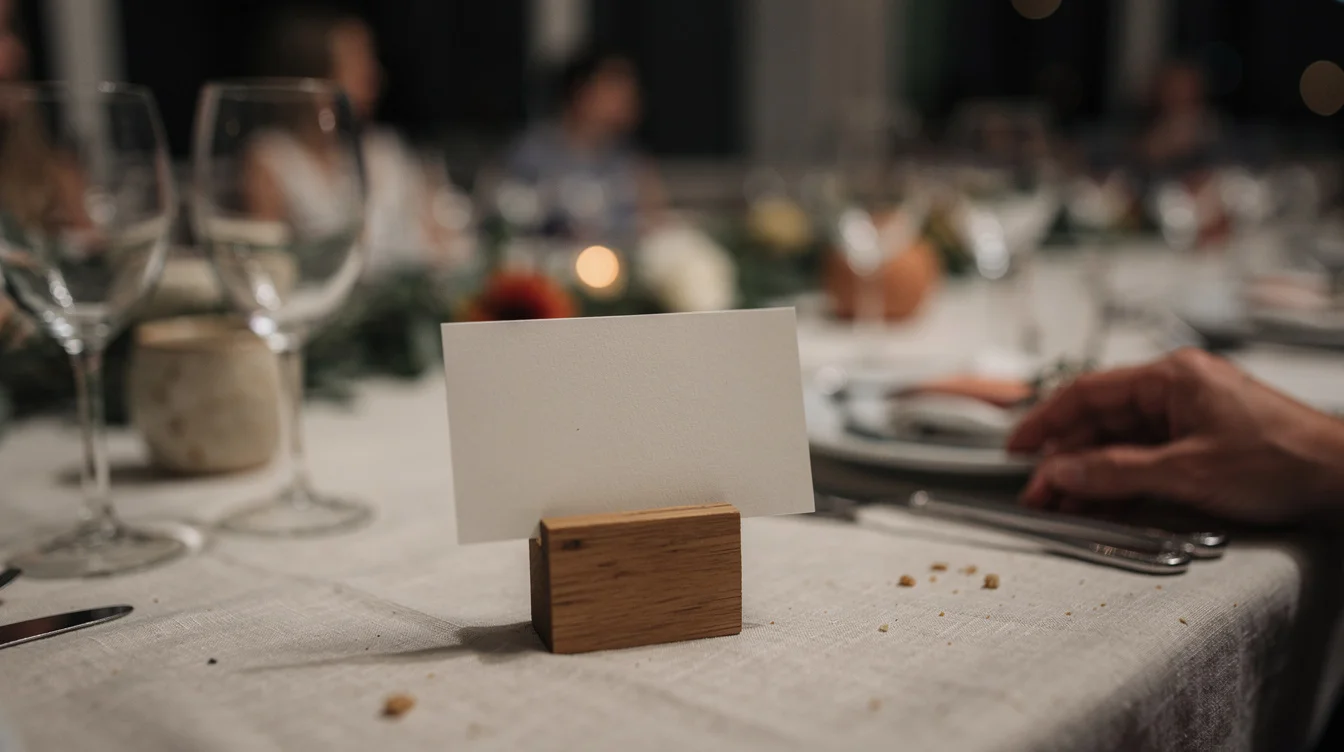
Signs work on every dinner table, at the bar, anywhere people are standing around waiting; they don’t work at the entrance, the gift table or the welcome sign, because people walk past those with their hands full and don’t come back. One small sign per table works better than one large sign.
Set the QR code up earlier than the week of the wedding, and test it on someone else’s phone before printing it. Print it bigger than feels necessary too. If the venue is rural, ask about guest wifi ahead of time and print the password next to the code, since poor mobile signal at those locations is a real problem.
Saying it out loud matters more than the sign itself. Weddings where the MC, DJ or best man mentions the QR code once during dinner see clearly higher participation than weddings that rely on a sign alone, which only gets noticed by guests who were already going to share. The couples who do best also ask more than once: on the invitation or website beforehand, out loud on the day, and in a message to guests the day after.
The photos couples value most from guests come from moments the photographer wasn’t there for: getting ready with the other half of the wedding party, the dinner tables, the dance floor after the photographer has left.
Questions couples ask
When do guests upload the most wedding photos?
Uploads arrive in bursts, with the biggest wave happening during the reception once people are seated and have had a drink. A second, smaller burst occurs the morning after the wedding as guests travel home or review their phones at breakfast.
Where should QR code signs be placed at a wedding?
Signs work best on every dinner table and at the bar where guests are seated or standing around waiting. Avoid placing them at the entrance, welcome sign, or gift table, as guests walk past those areas with full hands and do not return.
Why should couples avoid using shared WhatsApp or Google Photos albums?
WhatsApp compresses images, clutters photos with chat messages, and makes bulk downloads tedious. Google Photos requires every guest to have an account, and uploads fail if an individual guest's personal cloud storage is full.